
Digital Marketing
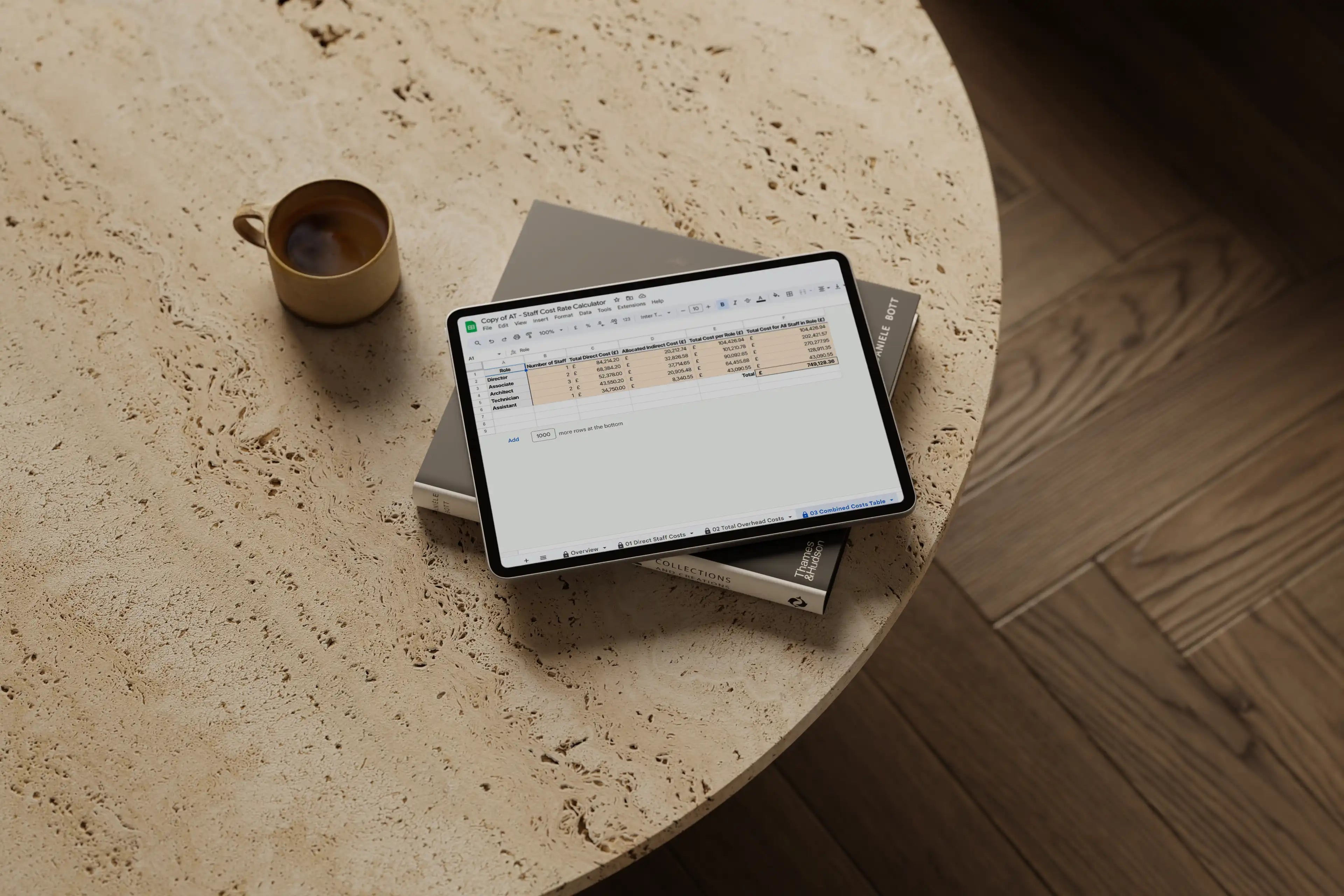
Staff Cost Rate Calculator
£50.00
£35.00
Made in Google Suites & Microsoft Excel | Instant Access to Both Formats upon Purchase
Maximise Profitability with Accurate Staff Rates
Setting the right hourly rates for your team is essential to covering costs and reaching your profit goals—but managing staff finances can be complex. The Staff Cost Rate Calculator is designed to simplify this process, giving architects and interior designers a precise, comprehensive view of each team member’s cost.
Calculate Accurate Hourly Rates
Determine the correct hourly charge for each staff member based on their salaries and staff cost calculator insights. Factor in both direct and indirect costs, so no expense is overlooked.
Comprehensive Cost Analysis
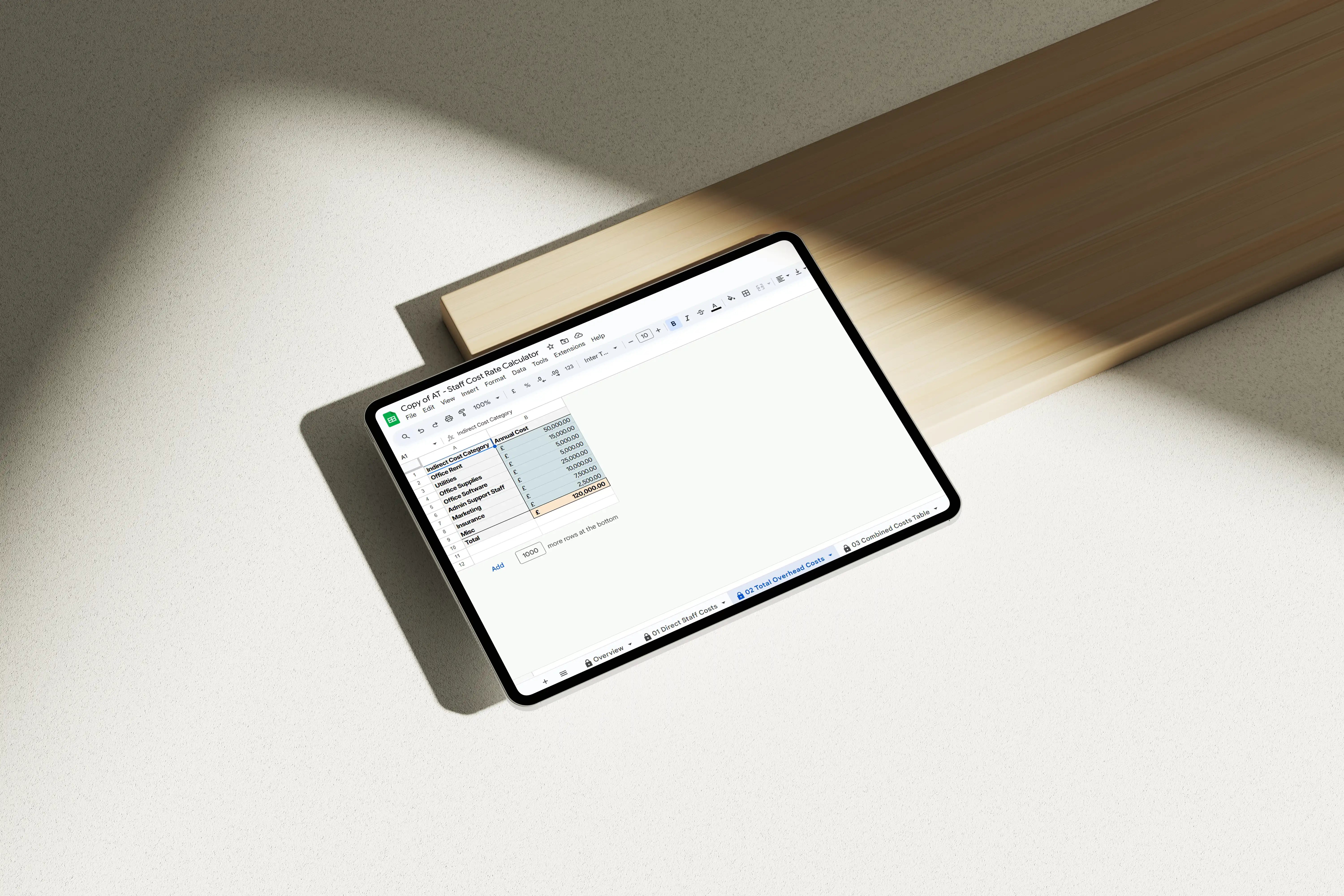
Calculate all associated costs effortlessly. Input your team’s roles, and the calculator distributes indirect business expenses across your staff for a holistic architect cost calculator solution.
Set Target Profit Margins
Define your target profit for each team member, with built-in profit margins incorporated into the final hourly rate. This ensures your pricing aligns with business goals for profitable projects.
Inform Your Fee Proposals
Use these precise hourly rates to shape informed, accurate fee proposals. By eliminating guesswork, you create proposals that reflect true service costs and increase client trust.
Benefits:
- Eliminate Guesswork: Avoid undercharging or overcharging with a clear view of each staff member’s costs.
- Enhanced Financial Planning: Gain clarity on expenses, supporting effective financial management.
- Profit Assurance: Include profit targets in rates, setting you up to meet financial goals.
- Confident Proposals: Use data-backed rates to enhance client confidence and satisfaction.
Get started with the Staff Cost Rate Calculator today to take control of your finances, set accurate rates, and maximise profitability.
How to Use the Staff Cost Rate Calculator:
- Input Salaries: Enter each staff member’s salary.
- Add Costs: Include all direct and indirect staff-related costs.
- Specify Staff Numbers: List the number of team members by role.
- Set Profit Margins: Define profit targets for each role.
- Calculate Rates: Discover the hourly rate needed for each team member.
Upon purchase, you’ll receive immediate access to a PDF with a link to your Google Sheets & Excel template.
RETURN & REFUND POLICY
Due to the digital nature of our products, we are unable to offer refunds or exchanges. We kindly ask that you carefully review the product descriptions and reach out to us with any questions before making your purchase. We appreciate your understanding in this matter.
IMAGES
The images showcased in our product listings and mockups are provided as visual aids and placeholders, offering a preview of your final document's potential appearance.
Upon purchase, Canva Premium users gain access to these images. If you do not have Canva Premium, you'll need to replace the images before you can export. You should be replacing the images to suit your own project requirements and these are for visual aids only.
SOFTWARE
This template has been crafted in:
- Google Sheets
START HERE
Here is the step-by-step of what happens when you purchase one of our templates:
01 Purchase Template
Once you purchase the template, you'll receive a download link to access your template/s.
02 Start Working
Within Google Sheets, quickly start adding in your business information and the sheet's complex formulas will auto-calculate your hourly rates.
HELP
Before you purchase, please refer carefully to the product descriptions.
If you have any burning questions, visit our FAQ or please email us at hello@architecturetemplates.co.uk.
Imagine this...
Made specifically for small to medium size design practices:
Eliminate Guesswork: Avoid undercharging or overcharging with a clear view of each staff member’s costs.
Enhanced Financial Planning: Gain clarity on expenses, supporting effective financial management.
Profit Assurance: Include profit targets in rates, setting you up to meet financial goals.
Confident Proposals: Use data-backed rates to enhance client confidence and satisfaction.


What makes this
template special?
Input Salaries: Enter each staff member’s salary.
Add Costs: Include all direct and indirect staff-related costs.
Specify Staff Numbers: List the number of team members by role.
Set Profit Margins: Define profit targets for each role.
Calculate Rates: Discover the hourly rate needed for each team member.
KIND WORDS FROM FELLOW DESIGNERS
SEE OUR TRUSTPILOT REVIEWS
"This template solved my needs for my interior design business. It's been carefully thought out to consider designers and architects. Their time and support during the purchase was amazing. I absolutely love it!!!
...you have definitely solved a huge problem for me."
JANICE
"...This bundle has helped me immeasurably in crafting a logical and succinct business process from lead generation to customer onboarding.
The visual quality of these resources and attention to detail have helped greatly with an enhancement of my offering, explaining my process and overall helping me to deliver a quality experience for clients..."
KRISTIAN
"As a design professional, finding templates that resonate with my brand's aesthetic is essential.
The Architecture Templates design is sophisticated, intuitive, and perfectly aligned with the high standards I set for my projects. It has streamlined my workflow, and I truly appreciate the attention to detail that went into creating such a versatile tool."
ADRI