What’s the Best Website Builder for Interior Designers?
Digital Marketing
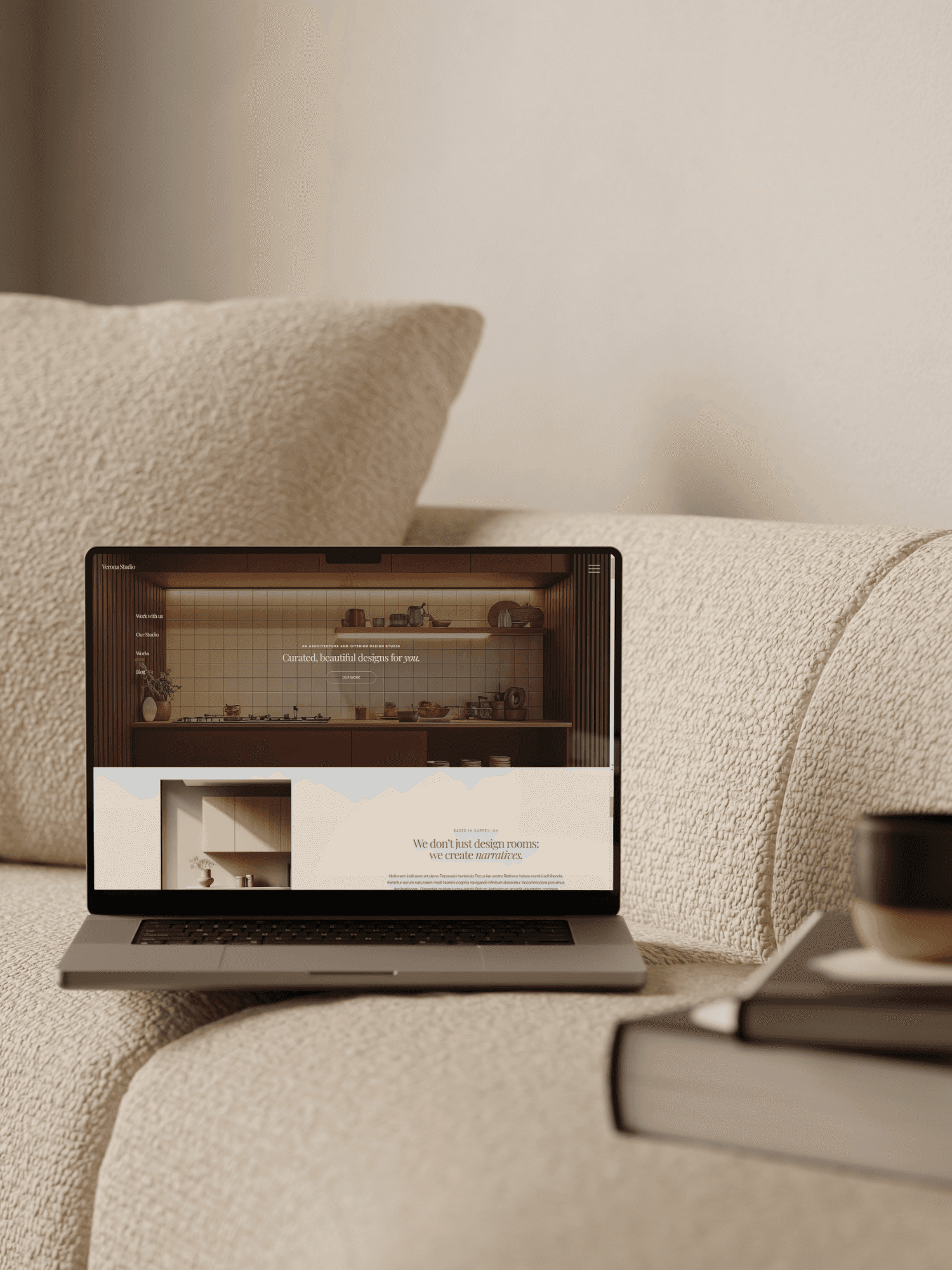
In today’s digitally driven world, your online presence is no longer optional. Even if your business runs mostly on word of mouth, like ours, clients still Google your practice and want to see your portfolio before they sign up with you. Having a well-designed website is essential for interior designers and forms a key part of your overall marketing strategy.
Your website is your digital business card; it lets you showcase your projects, highlight your unique style, and speak your language. Often, it’s the first impression clients will have of your brand. And as any designer knows, first impressions matter.
Tim and I continually iterate on our website, ensuring it is always up to date with our values and vision, to attract the right person as part of our broader marketing strategy.
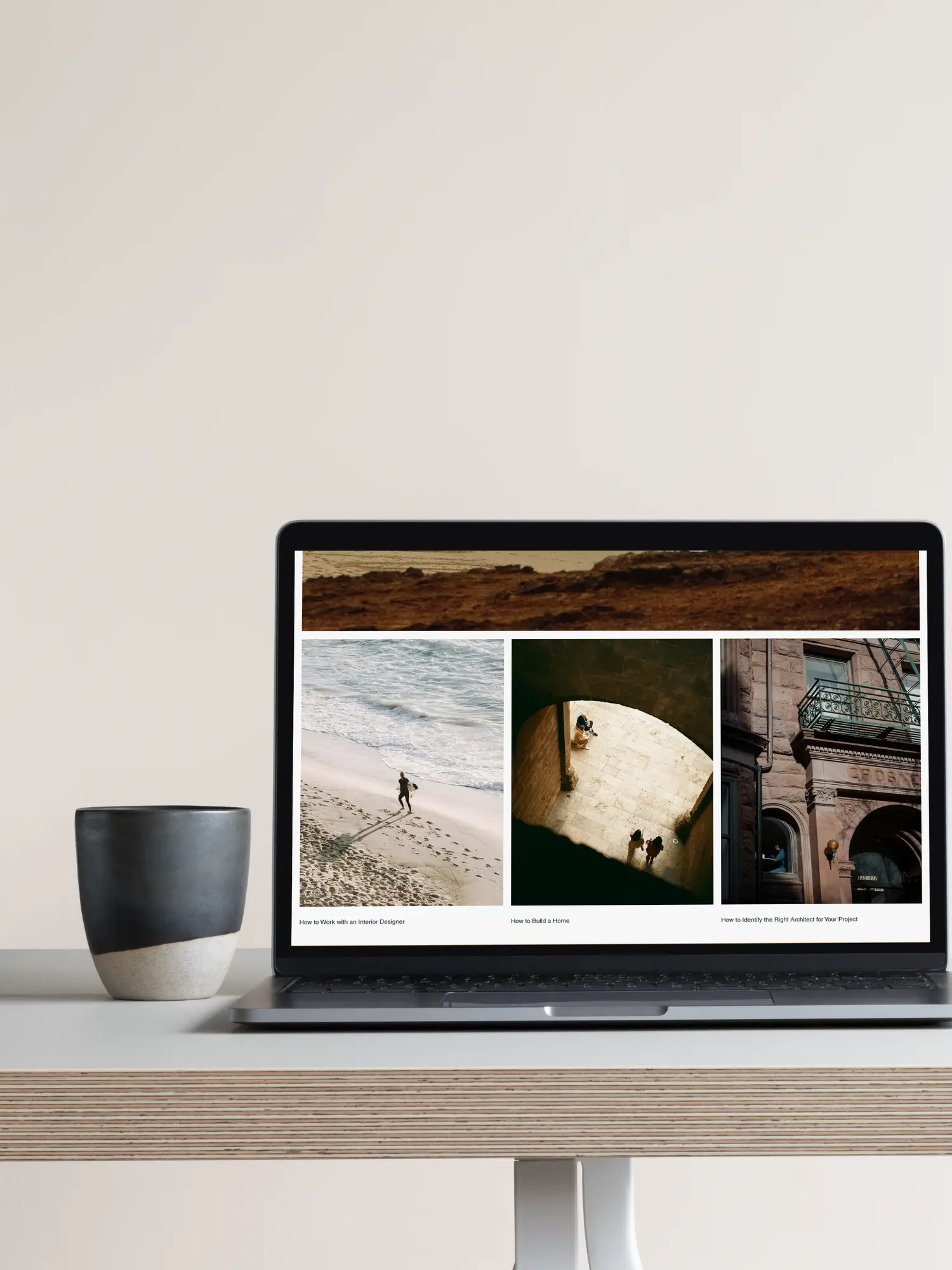
What makes the best Website Builder for Interior Designers?
When starting an interior design company or rebranding means that, when interior designers evaluate website builders, they consider the usual basics most people consider: cost, ease of use, and how quickly a site can be launched.
When we started ZAHRADA, we initially got help from a website designer who set up our site using WordPress. We regret that decision because now it’s much harder to edit the website ourselves. Tim took control and made changes on our own.
We are planning to change that this year and use Framer for ZAHRADA, so we can have full control over our website. But if you don't have any building website skills and don't feel like tinkering around, this would be a problem for you.
When we built the Architecture Templates website, we used Wix Studio, and it’s so much easier to navigate, manage, and use. If you’re deciding between Wix and WordPress, we’ve written a detailed guide, “Wix vs. WordPress: Which Is Best for Architects?", that explains the pros and cons of each platform and why Wix worked better for our workflow.
Portfolio Presentation & Image Quality
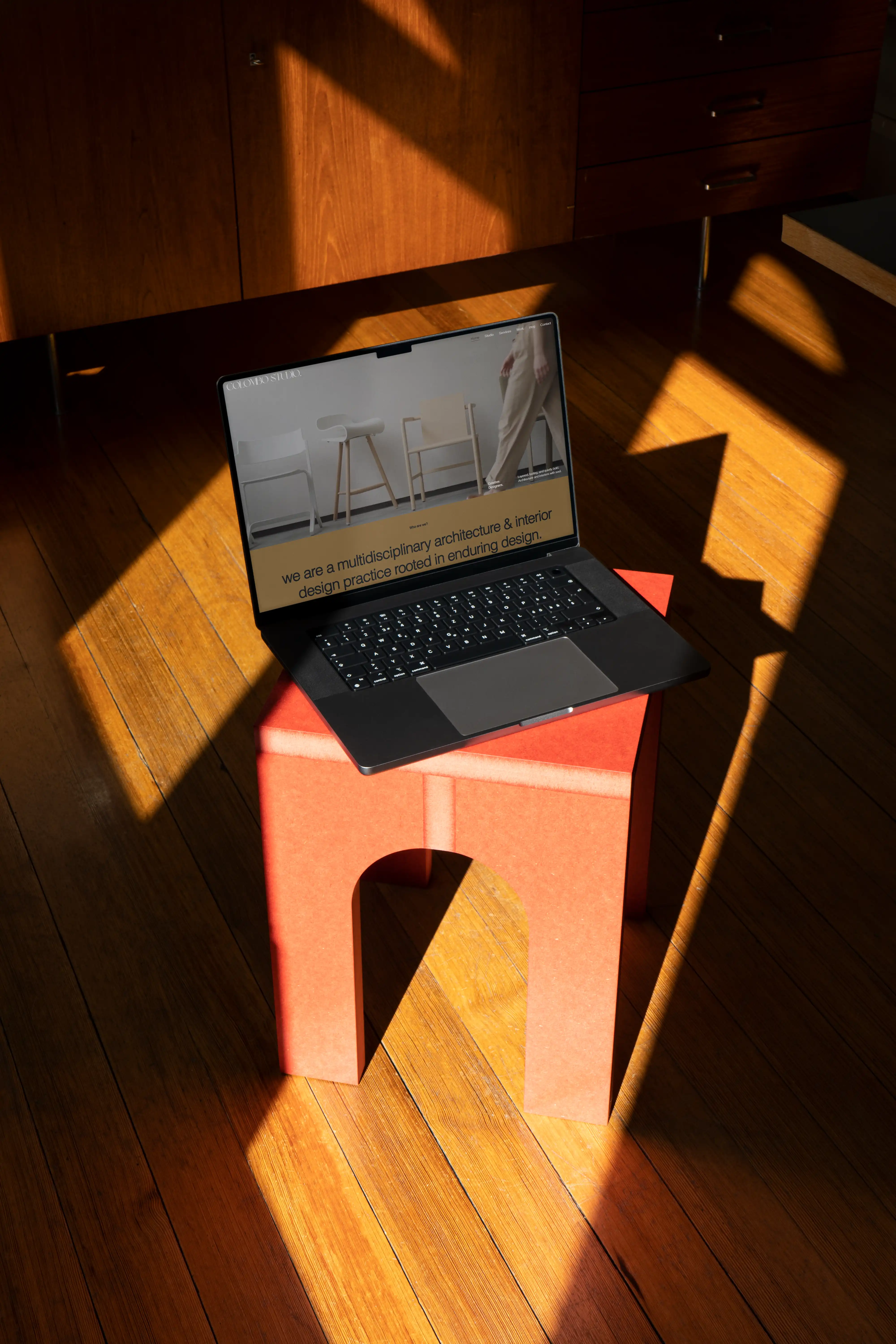
Having a beautiful and well-ranking website was, for us, one of the most important parts of our social media strategy. A good website design for interior designers should present your work in the best possible way. As one of the key methods for getting clients, your website should allow you to upload high-quality photographs or CGIs and ensure videos play smoothly. Images should be high-resolution (at least 2000px wide) and professionally shot, with a thoughtful mix of wide-angle views, detail shots, and close-ups of materials and textures. At the same time, they need to be properly optimised so the site loads quickly. Each project should include a strong cover image that immediately communicates its aesthetic and allows users to click through multiple images, helping to tell the full story of the space and create a more immersive and engaging experience.
To ensure the look is coherent and aligned with our branding, Tim and I use Figma to design the website upfront. This allows us to maintain consistent colour grading, lighting style, and photo editing across projects, creating a polished, professional finish, as an essential step in understanding how to build a brand that feels clear, intentional, and recognisable.
We also make sure images resize properly on all devices, so mobile users don’t have to pinch or zoom to see details. Galleries adapt seamlessly to smaller screens without losing their visual impact, ensuring your portfolio always looks professional and engaging, no matter how clients access it.
____
Design Flexibility & Customisation
The platform you use affects how easily you can customise your website. As we mentioned earlier, we need to have a site that we can tweak and adapt ourselves. We write blogs regularly, so the platform needs to make that easy. We also value the flexibility to add or remove projects, update images, and make changes without having to ask anyone else, all while maintaining full control over our branding.
A truly flexible platform allows you to customise layouts and templates, move or resize sections, and showcase projects exactly how you want. Modern websites often use subtle animations, hover effects, and interactive features like sliders, lightboxes, or before-and-after comparisons to make portfolios more engaging. You can also control how your site appears on mobile, tablet, and desktop, ensuring every image and text element looks polished across devices. Advanced flexibility may include custom styling, unique code snippets, or SEO controls, giving you full control over the look, feel, and performance of your website.
____
Booking Integration
As your website is a tool for converting leads into clients, integrating a booking system directly into your site streamlines the client journey and makes it easy for prospective clients to take the next step. For interior designers, every page should guide potential clients toward action. Effective call-to-actions are clear, visible, and strategically placed throughout your website. They should stand out visually without disrupting the design and use actionable language, for example, “Schedule Your Consultation,” “View Full Portfolio,” or “Get Inspired by Our Latest Projects.”
Beyond visibility, CTAs also serve a marketing function: they help you capture leads, grow your email list, and track user engagement. When paired with analytics through tools like Microsoft Clarity, you can see which pages, buttons, or offers drive the most inquiries, allowing you to refine your website and overall marketing strategy.
Modern website builders like Wix, Squarespace, and Webflow offer built-in booking tools or allow you to embed third-party platforms like Acuity Scheduling, Calendly, or HoneyBook. These integrations can sync automatically with your calendar and send reminders.
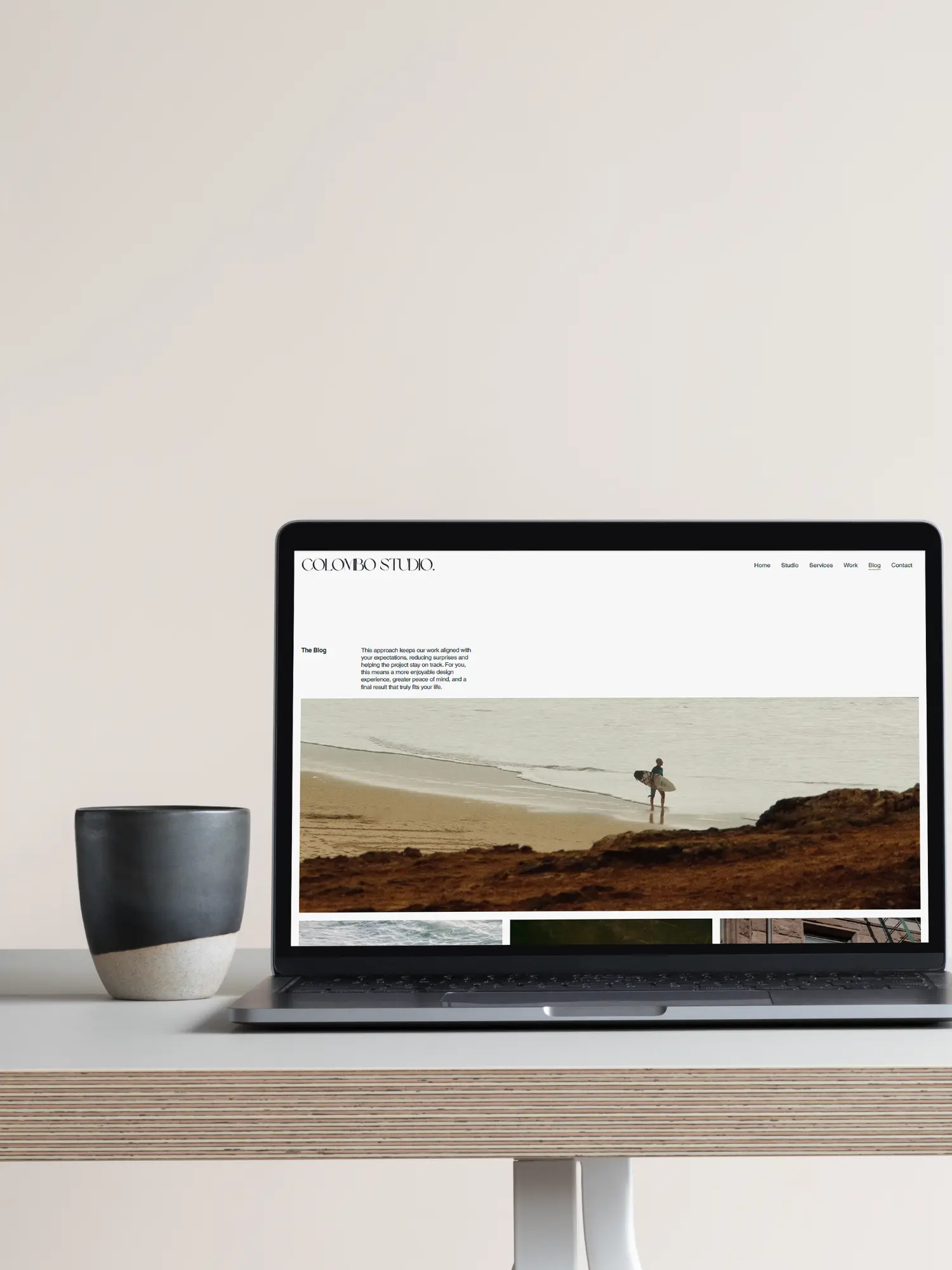
Best Website Builders for Interior Designers: A Comparison
Website Builder | Ease of Use | Design & Customisation | Portfolio Features | Mobile Friendly | Marketing & SEO |
|---|---|---|---|---|---|
Wix | ★★★★ | ★★★★ | ★★★★ | ★★★★ | ★★★★ |
Webflow | ★★★ | ★★★★★ | ★★★★★ | ★★★★★ | ★★★★★ |
Framer | ★★★★ | ★★★★ | ★★★★ | ★★★★ | ★★★★ |
Squarespace | ★★★★★ | ★★★ | ★★★★ | ★★★★ | ★★★★ |
Wordpress | ★★ | ★★★★★ | ★★★★★ | ★★★★ | ★★★★★ |
Wix: Good all-rounder
Its intuitive drag-and-drop editor makes it simple to customise layouts, colours, fonts, and galleries, while responsive design ensures your site looks great on desktop, tablet, and mobile. Wix offers a vast selection of portfolio-friendly templates, making it beginner-friendly and easy to get started quickly. They’ve also recently added an AI site builder. We've tried it, but think its a little messy and doesn't quite get that pixel perfection that we would strive for.
From a business perspective, Wix offers SEO tools, blogging, analytics, and marketing features, allowing for easy integration of booking systems and contact forms. We’ve even created some of our own Wix website templates for architects and interior designers, showing how versatile the platform can be.
Pros of Wix
Beginner-friendly: Intuitive drag-and-drop editor makes building and updating your site easy, even without coding knowledge.
Huge template library: Plenty of portfolio-focused templates for interior designers, architects, and creatives.
Flexible design: Customise layouts, colours, fonts, galleries, and responsive views for mobile, tablet, and desktop.
Built-in marketing tools: SEO, analytics, blogging, email marketing, and social media integration in one platform.
Booking & lead capture: Integrate contact forms, consultation booking systems, and email capture tools seamlessly.
Scalable: Easy to add projects, blogs, and updates as your portfolio grows.
Cons of Wix
Limited advanced interactions: While flexible, it doesn’t match Webflow or Framer for complex animations and highly custom interactions.
Template lock-in: Once your site is live, switching templates can be difficult without rebuilding content.
Performance trade-offs: Sites with lots of animations or large galleries may load slightly slower if not optimised.
Less developer-level control: Custom coding is limited compared to platforms like Webflow or WordPress.
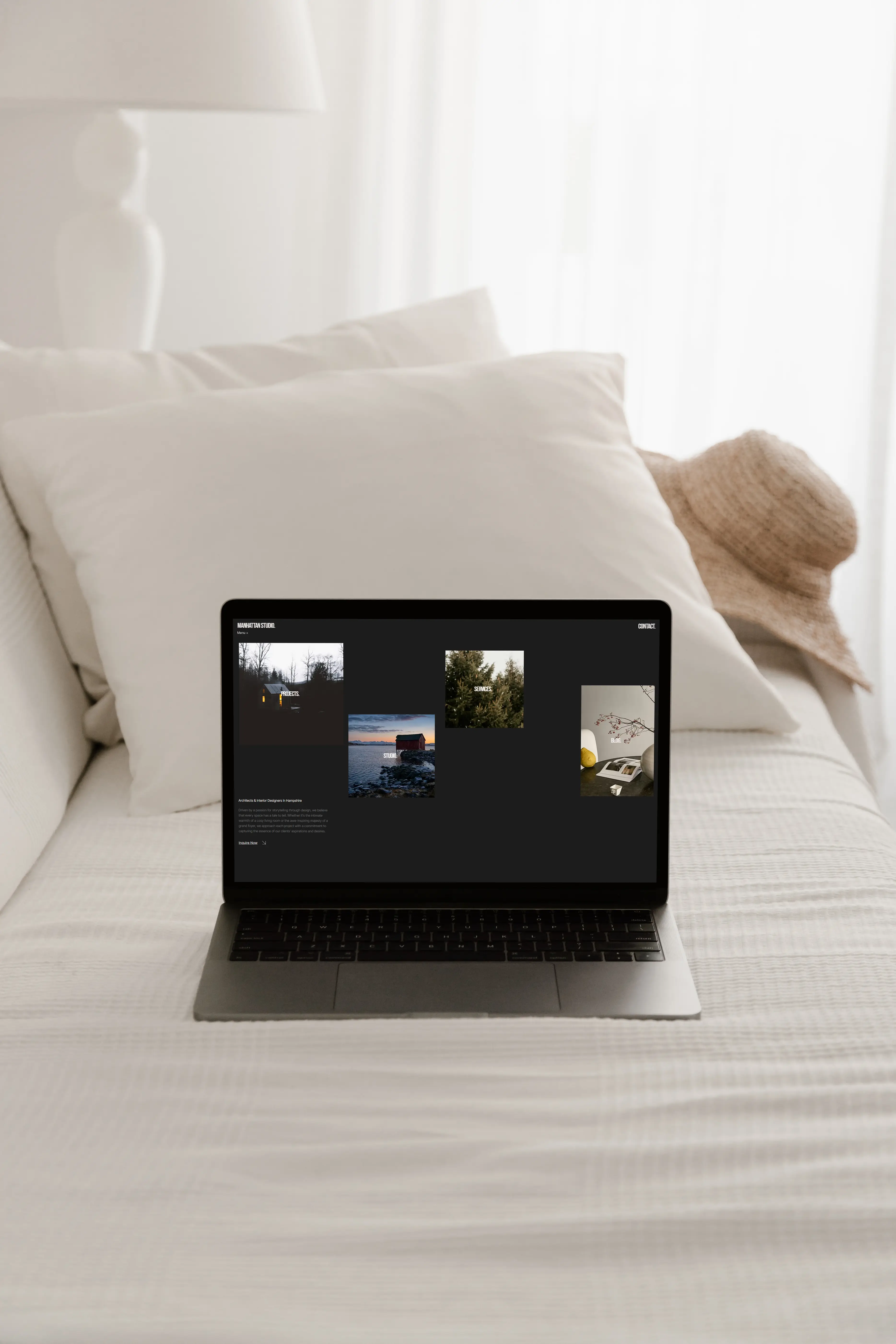
Squarespace: Easiest to learn
Squarespace's professionally designed templates and intuitive visual editor make it simple to build and customise your website, with built‑in features for blogging, portfolio pages, SEO, analytics, and marketing. Squarespace also provides reliable hosting, unlimited bandwidth and storage, and strong security features like SSL protection, so your site is secure by default.
Pros of Squarespace
Very beginner‑friendly: Intuitive drag‑and‑drop editor and visually appealing templates that look great straight away.
Professionally designed templates: A large selection of elegant templates that are perfect for portfolios, showcase pages, and creative businesses.
All‑in‑one system: Includes hosting, SSL security, domains, SEO tools, analytics, and content management without extra plugins.
Built‑in marketing tools: SEO features, analytics, blogging, and social integrations help you grow your presence.
Live support and resources: Squarespace offers email and live chat support as well as a comprehensive help centre and guides.
E‑commerce capabilities: Built‑in store features allow you to sell products, services, digital downloads, or event bookings directly.
Free custom domain: Many plans include a custom domain for the first year.
Cons of Squarespace
Less design flexibility: Customisation is more structured than builders like Webflow or Framer - deeper creative control can be limited without workarounds.
No free plan: There’s a 14‑day free trial, but no indefinite free tier.
Template constraints: Certain advanced layout changes (like custom grid systems or highly bespoke navigation) are restricted compared with more flexible platforms.
Support limitations: While Squarespace offers live chat and email support, there’s no phone support option.
Less advanced interactions: Limited options for animations or interactions compared with platforms like Webflow or Framer.
Webflow: Best for Custom Design Control
Webflow is perfect for interior designers who want full control over their website. It lets you create completely custom layouts, animations, and interactions. It also comes with a built-in CMS, so managing projects, blog posts, or repeatable content is straightforward. Webflow is fully responsive, letting you fine-tune how your site looks on desktop, tablet, and mobile. It’s not the easiest platform to start with, but the upside is total flexibility.
Pros of Webflow
Design flexibility: Total control over layouts, spacing, animations, and custom interactions without coding.
Clean code output: Generates professional HTML/CSS/JS that improves performance and SEO.
Advanced interactions & animations: Build dynamic effects (scroll, hover, load triggers) visually.
Robust CMS: Great for portfolios, blogs, or repeatable project structures.
Responsive design tools: Built‑in controls for desktop, tablet, and mobile views.
Built‑in hosting & security: Fast hosting with SSL and backups included.
Extensive educational resources: Webflow University offers tutorials and support documentation.
Cons of Webflow
Steep learning curve: Not as beginner‑friendly as Wix or Squarespace — having some web design knowledge helps.
Complex pricing plans: Multiple tiers and plan types can be confusing at first.
Email‑only support: No live chat or phone support on standard plans.
Template switching limitations: Once your site is built, changing templates can require a rebuild.
Not ideal for large e‑commerce: Built‑in store tools are more basic compared with dedicated platforms.
Desktop‑only editing: You need a computer to edit your site; there’s no mobile app for editing on the go.
WordPress: Best for Full Flexibility & Scalability
WordPress is perfect if you want your site to grow with your business, host complex portfolios, integrate booking systems, or add advanced SEO and marketing tools. It’s not as beginner-friendly as Wix or Squarespace, and you’ll need to manage hosting, updates, and security yourself (or hire someone to help). WordPress give you complete creative freedom.
Pros of WordPress
Unlimited flexibility: You can build almost any type of website, from simple portfolios to complex multi-page projects.
Full control: Choose your themes, plugins, and page builders to create a site that matches your brand perfectly.
Scalable: Great if you plan to expand your portfolio, add blogs, sell products, or integrate advanced tools.
Powerful SEO & marketing: Full control over SEO, meta tags, analytics, and integrations with email or CRM tools.
Large support community: Thousands of tutorials, forums, and plugins make it easy to solve problems.
Custom templates: You can use pre-built themes or create your own, making your site unique.
Cons of WordPress
Steeper learning curve: Not as beginner-friendly as Wix or Squarespace; some technical knowledge is needed.
Ongoing maintenance: You’re responsible for hosting, updates, backups, and security.
Plugin management: Some features require third-party plugins, which can conflict or require updates.
More time to set up: Compared to drag-and-drop builders, creating a fully custom WordPress site can take longer.
Costs can add up: While WordPress itself is free, premium themes, plugins, and hosting can increase costs.
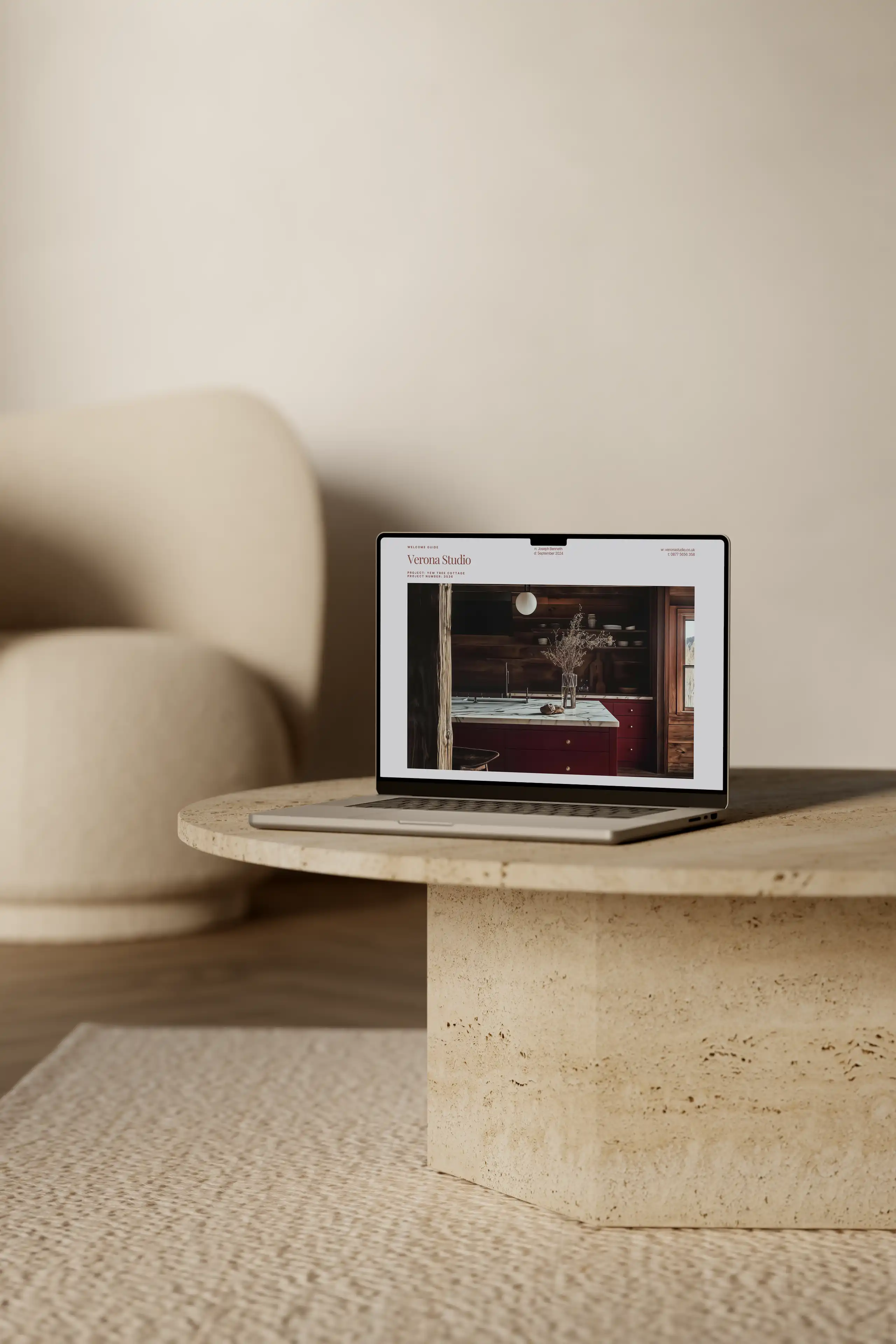
Framer: Best for Modern, Interactive Portfolios
Our current favourite, Framer, is ideal for interior designers who want sleek, interactive, and modern websites without writing code. It’s built around smooth animations and dynamic layouts that make your portfolio feel alive and engaging. Framer’s visual editor is intuitive, letting you create unique layouts, interactive galleries, and motion effects quickly.
It’s also fully responsive, so your site looks great on desktop, tablet, and mobile. While it’s not as beginner-friendly as Wix or Squarespace, it’s easier to use than Webflow if your focus is on visual storytelling and dynamic interactions. Framer is great for designers who want their website to feel modern, immersive, and reflective of the attention to detail in their projects.
Pros of Framer
Modern, interactive design: Smooth animations, transitions, and dynamic elements make portfolios more engaging.
Visual editor: Easy to create unique layouts and motion effects without coding.
Responsive by default: Sites look polished across desktop, tablet, and mobile.
Fast performance: Optimised code ensures smooth loading even with interactive features.
Portfolio-focused templates: Great starting points for showcasing projects visually.
Integrations: Connect forms, booking tools, or analytics for marketing and lead generation.
Cons of Framer
Learning curve: Slightly more complex than Wix or Squarespace, especially for advanced interactions.
Limited third-party plugins: Fewer integrations than WordPress or Wix.
Not ideal for e-commerce: While possible, it’s less suited for large online stores. Fewer templates: Smaller library compared with Wix or Squarespace.
Newer platform: Some features are still evolving, so it may not have every advanced option you’d find on more established builders.
Conclusion
Choosing the right website builder is a crucial decision for interior designers — it affects not only how your portfolio looks, but also how easily you can manage your content, attract clients, and grow your brand. Platforms like Wix and Squarespace are beginner-friendly and quick to launch, while Webflow and Framer offer advanced design control and interactive features for those who want more creative flexibility. WordPress provides unmatched scalability and customisation if you’re comfortable managing hosting and plugins.
Ultimately, the best choice depends on your workflow, design priorities, and long-term goals. Whatever platform you pick, focus on high-quality visuals, consistent branding, clear calls-to-action, and an intuitive user experience. These are the elements that turn visitors into clients and make your online presence truly shine.
Need help getting started? Download my 40-page client guide packed with templates and strategies to set you up for success. And for daily inspiration, tips, and advice, follow me on Instagram @architecture_templates.
Written by Tim & Zofia, Architecture Templates

The Author
Tim Willment is a UK-based RIBA and ARB-registered architect, and founder of a boutique architecture and interior design studio he runs with his wife. With over a decade of experience, he helps designers build efficient workflows that maximise profit, attract better clients, and create a more balanced work-life.
His goal is simple: to create a better experience for both designer and client - building win-win businesses that are unforgettable.
Rather than offering mentorship or coaching, Tim shares proven templates and systems - the same ones he uses in his own practice - to help other small studios streamline their processes and focus on high-value design work.
Any questions, email him direct at tim@architecturetemplates.co.uk