What Tools Do Interior Designers Use in 2025?
Design Delivery & Presentations
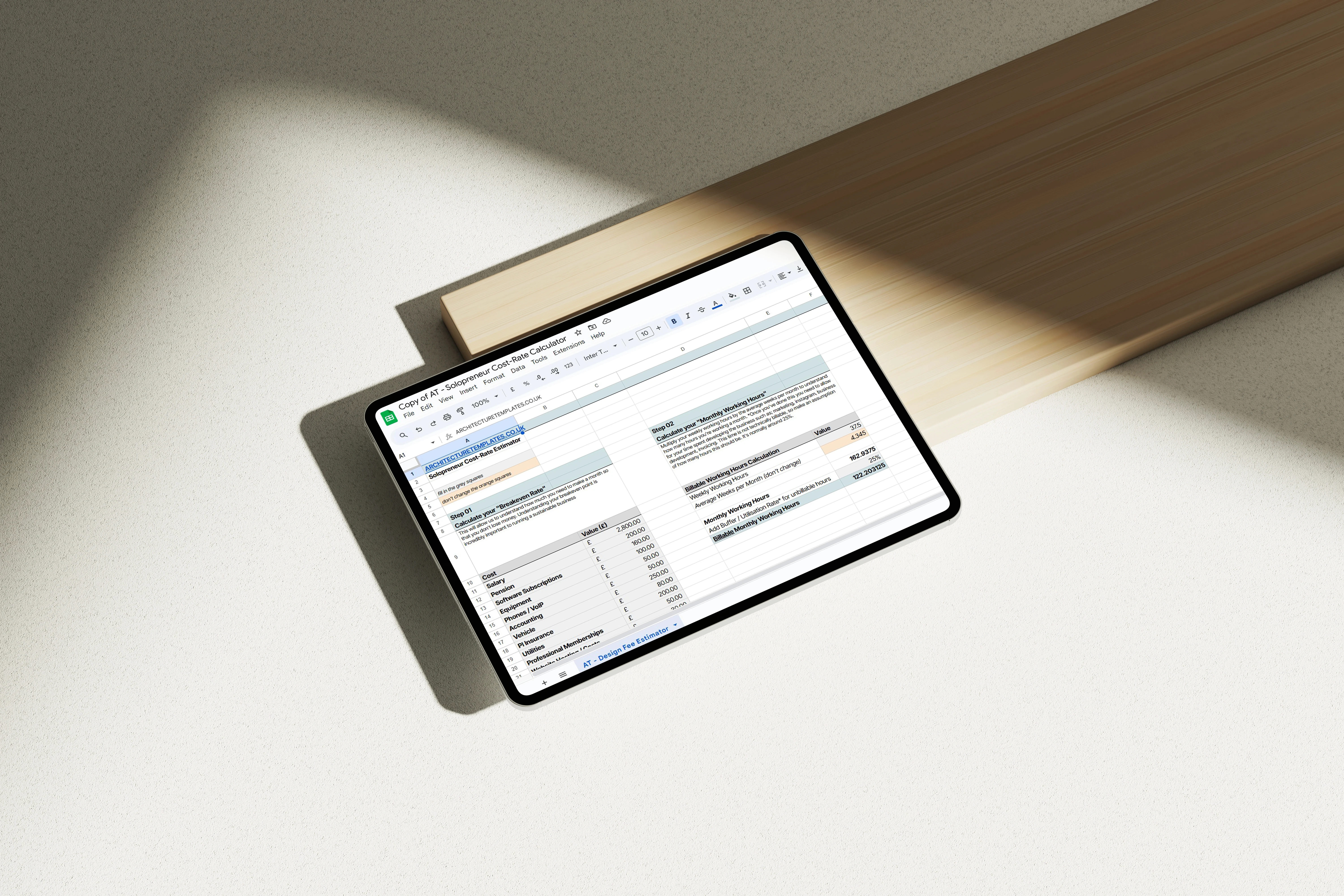
In 2025, the interior design industry is evolving faster than ever. With technology reshaping how designers work, the tools you use can make or break your workflow.
According to a recent article, 85.4% of interior designers are now using AI in their design process, with 29.7% incorporating it into their weekly routine.
What if you could cut project timelines in half, and impress clients with jaw-dropping visuals? All with tools that help you reduce that bottom line, and increase your profit.
From streamlining boring admin tasks to creating immersive 3D renderings, today’s tools are becoming more essential for staying competitive.
In this guide, I'll break down the exact tools successful designers rely on - from tech essentials to creative game-changers - and how you can use them to help your business.
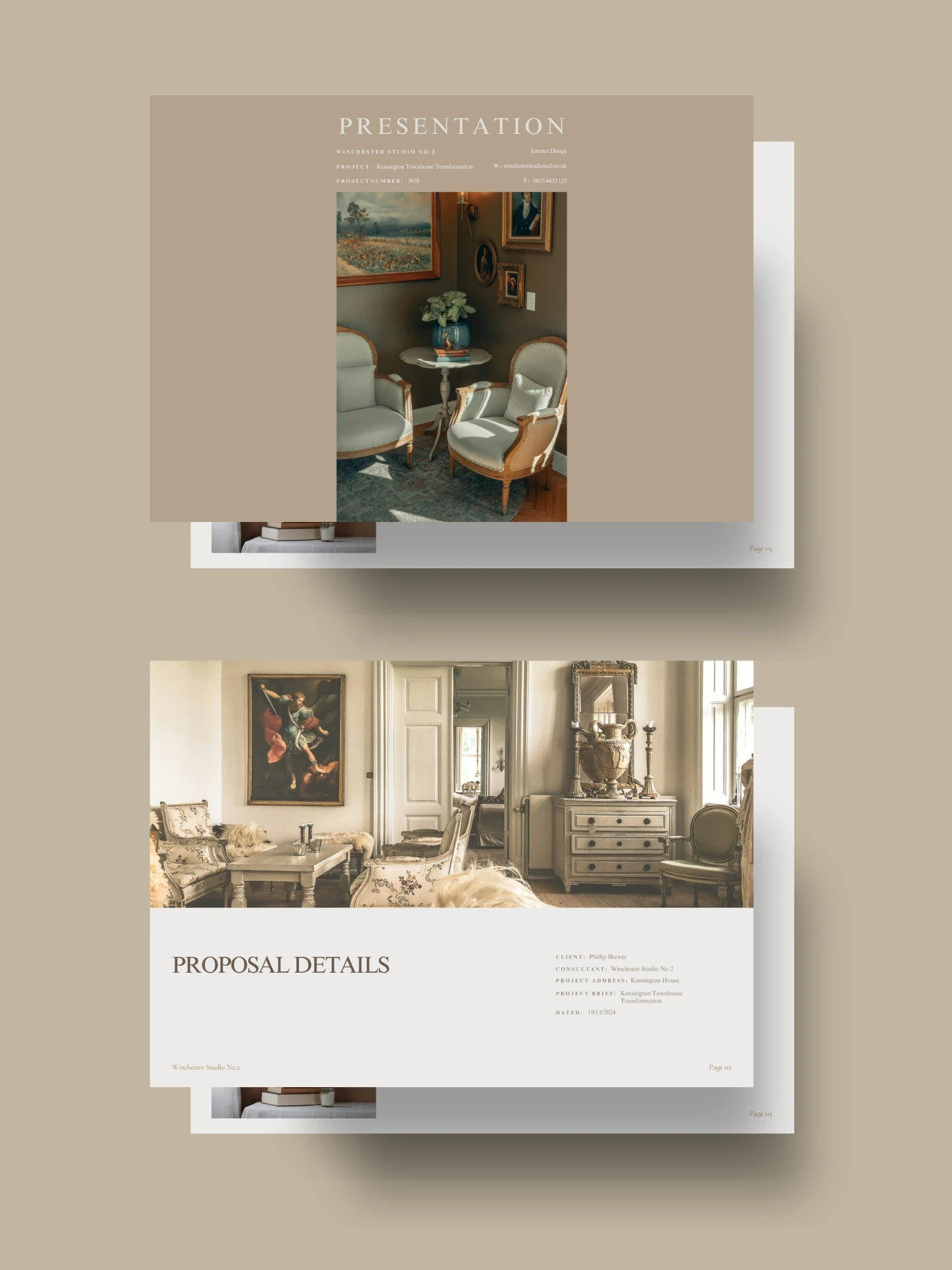
What Type of Tools Do Interior Designers Use?
As Interior designers, we use a variety of tools to bring client visions to life. These tools can be categorised into creative, technical, and organisational tools. Each fulfilling a core part of running a sustainable business. Interior design is like any other business, and those who forget that will often find themselves in difficult waters.
Creative Tools for Interior Designers
Mood Boards: Platforms like Canva and Pinterest are popular for creating mood boards that help visualise design concepts. Canva offers user-friendly templates, while Pinterest allows for the curation of inspiration from various sources. Before using Canva, I used Adobe InDesign to create branded moodboards.
Sketching Software: Applications such as Morpholio Trace and Procreate for iPads enable designers to create digital sketches and annotations, facilitating the iterative design process.
Early Visualisation Tools: Software like MidJourney or Rendair is excellent for generating realistic reference and inspiration images early in the design process. These tools offer a more tailored alternative to searching Google or Pinterest for similar visuals. After testing both, we found that MidJourney delivered better results for our needs. With clear descriptions of your concept and camera angle, you can create stunning images that effectively convey your vision.
What I use:
When starting a project, I typically begin by gathering inspiration from Pinterest and generating images on MidJourney. These visuals are then compiled into a concept design proposal using Canva, which makes it easy to create a polished, professional presentation. Any sketch ideas are added to support the concept. For sketching, I rely on Morpholio Trace, as it allows me to draw directly over PDFs, closely mimicking the feel of tracing paper.
While I still miss the tactile experience of traditional tracing paper, using an iPad is so much quicker (my paperlike screen protector helps). It eliminates the need for scanning and photoshopping like in the old days, saving both time and effort.
Technical Tools Interior Designers Use for Floor Plans and Renderings
So you've completed the high-level concept stage, and your client is excited to move forward. Now it’s time to develop those ideas into detailed, tangible information that can be iterated, explored, and, most importantly, priced and built with as few headaches as possible.
CAD Software:
Industry standards like AutoCAD, SketchUp, and ArchiCAD are essential for creating detailed layouts and architectural plans. While there are many newer tools available, these are the ones we rely on most in our practice.
AutoCAD (2D)
AutoCAD is a classic for drafting 2D plans—simple, efficient, and easy to use. It’s ideal for projects where the focus is on clean, precise layouts without the complexity of building information modeling (BIM). We frequently use AutoCAD for simpler projects that don’t require extensive 3D modeling.SketchUp (3D)
A favorite among interior designers, SketchUp is a drag-and-pull software that has become a go-to for quick and intuitive 3D modeling. Its integration with most 3D rendering tools via plugins adds to its versatility. With both free and paid versions, SketchUp is a great choice for creating straightforward models. We typically use it when a full BIM model isn’t necessary.ArchiCAD (BIM)
For new builds, ArchiCAD is our tool of choice. This powerful software allows us to produce detailed floor plans, elevations, and sections while simultaneously building a 3D model that’s perfect for visualisations and renders. ArchiCAD also streamlines coordination with consultants, saving time and reducing errors.
____
3D Rendering Software:
Rendering software like Enscape, Lumion, and D5 Render takes your designs to the next level with photorealistic visuals. These tools are invaluable for client presentations and design approvals.
Lumion
A long-time favorite for its ease of use and high-quality output. You can try it for free here.D5 Render
Recently, we’ve shifted to D5 Render. Its superior lighting and rendering capabilities, combined with a significantly lower price point, make it a compelling alternative to Lumion. You can also try it for free here.
What I use:
I find BIM software works best for new builds, particularly standalone projects. ArchiCAD excels here, allowing us to model and coordinate efficiently. However, with existing buildings - especially those with irregular angles - we often lose too much time wrestling with BIM software. For these cases, we typically retain the building’s geometry in AutoCAD and create a SketchUp model if needed for further visualisation.
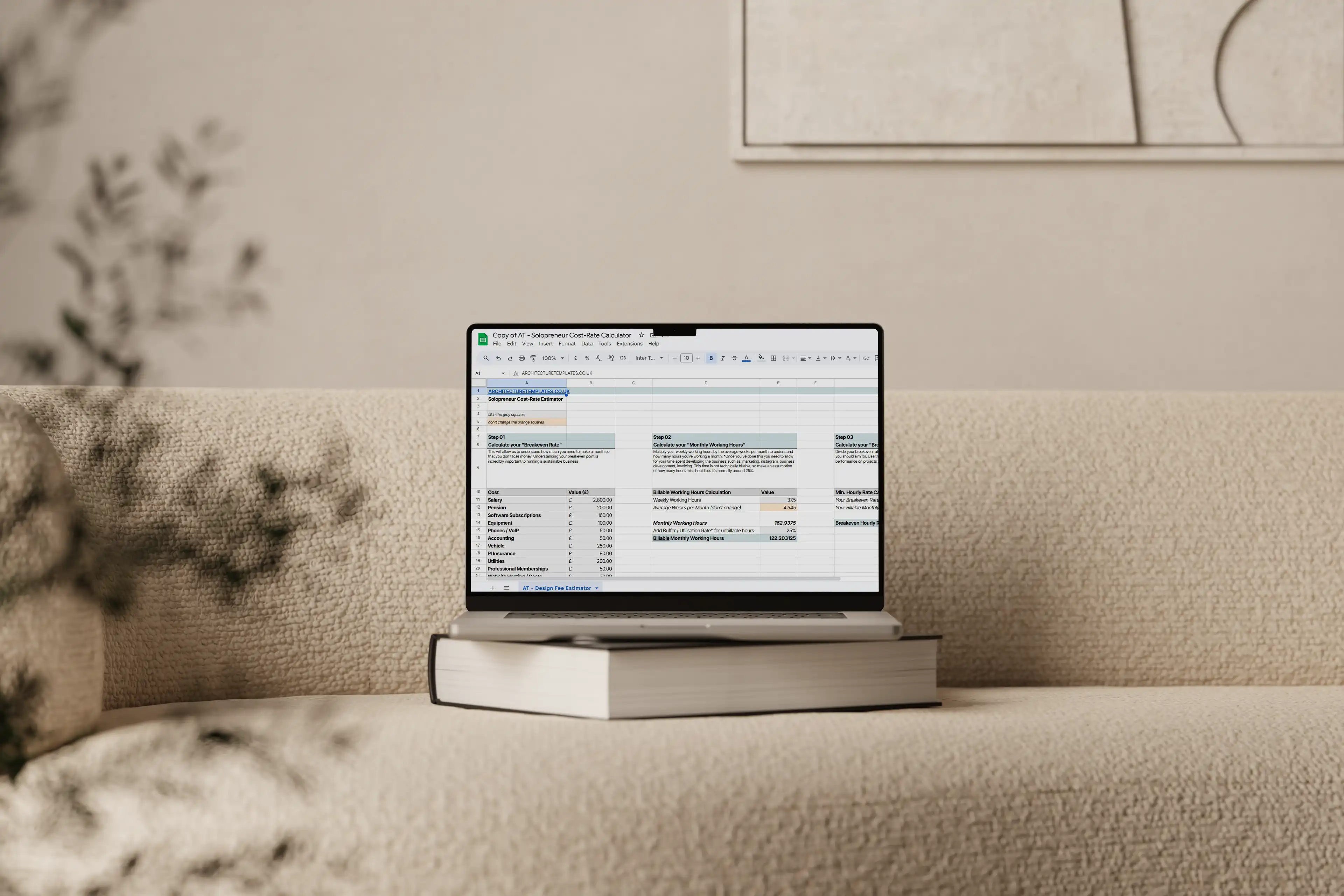
Project Management Tools for Interior Designers
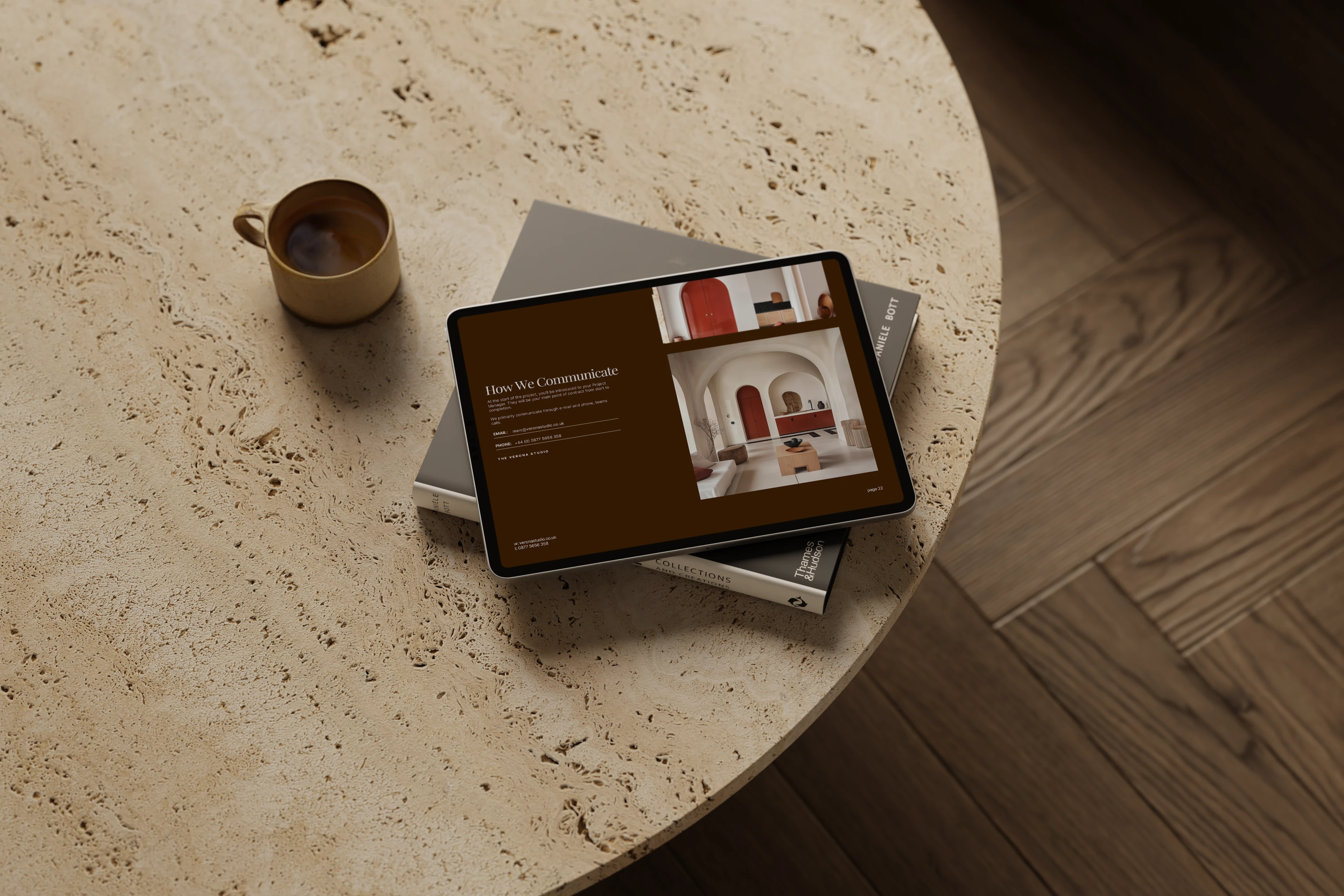
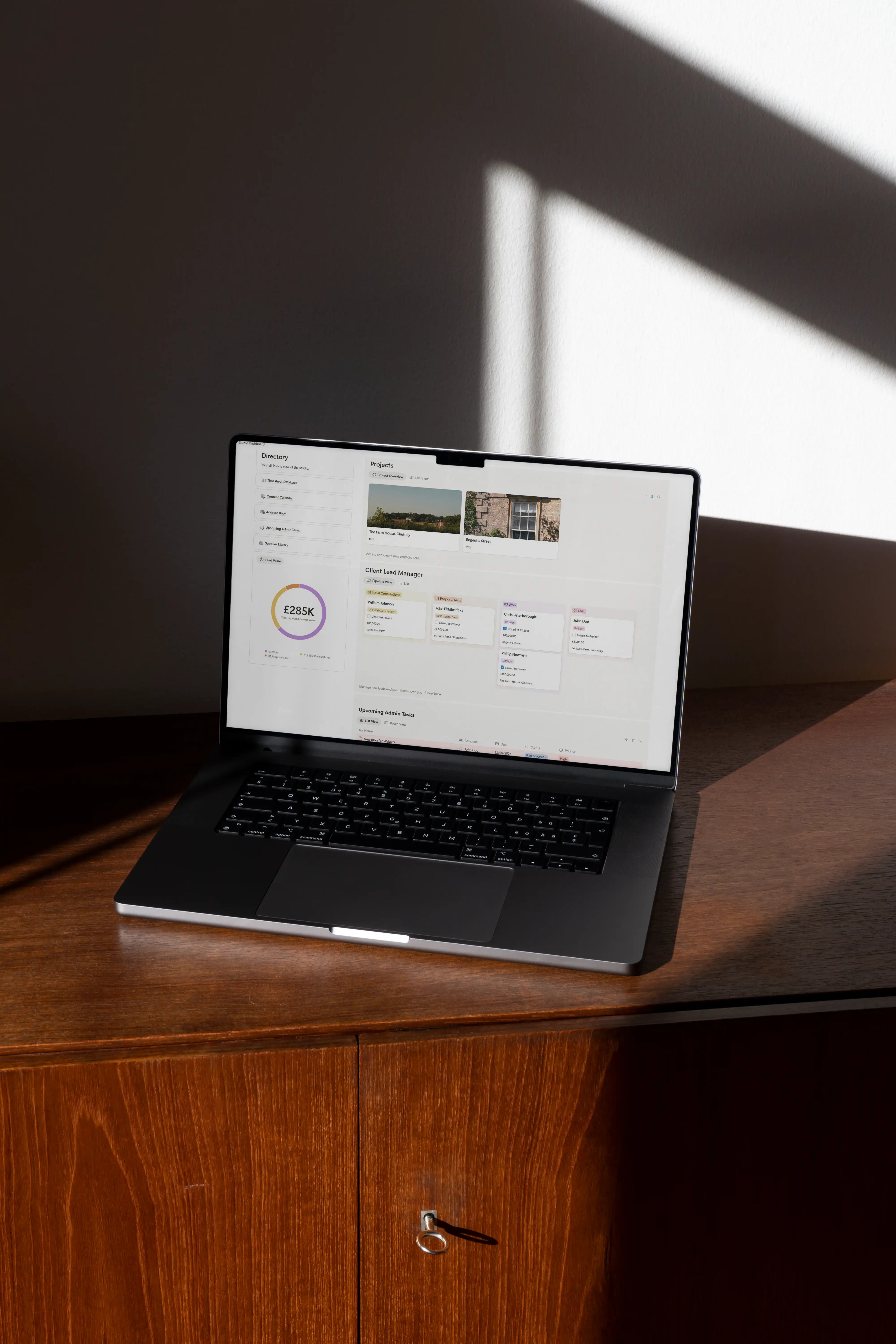
While designing and drafting are the fun parts, keeping the back-end of your business beautifully organised is just as critical. Platforms like Notion, Asana, and Monday.com help with task delegation, timeline management, and team collaboration, ensuring projects stay on track.
Notion: The first software I used was Notion, and I loved its flexibility. It allows you to view the same information in different ways, with filters and groupings that make it easy to stay organised.
Asana: When I worked with a previous practice, I used Asana, which offered a similar level of functionality. It’s an excellent tool for managing complex tasks and team workflows.
Monday.com: When starting our own practice, we tried Monday.com but found it too complicated for what we needed as a small business.
Ultimately, we transitioned back to Notion, and it’s been working really well for us. In fact, I even used Notion to plan our wedding itinerary!
Finance Management for Interior Designers
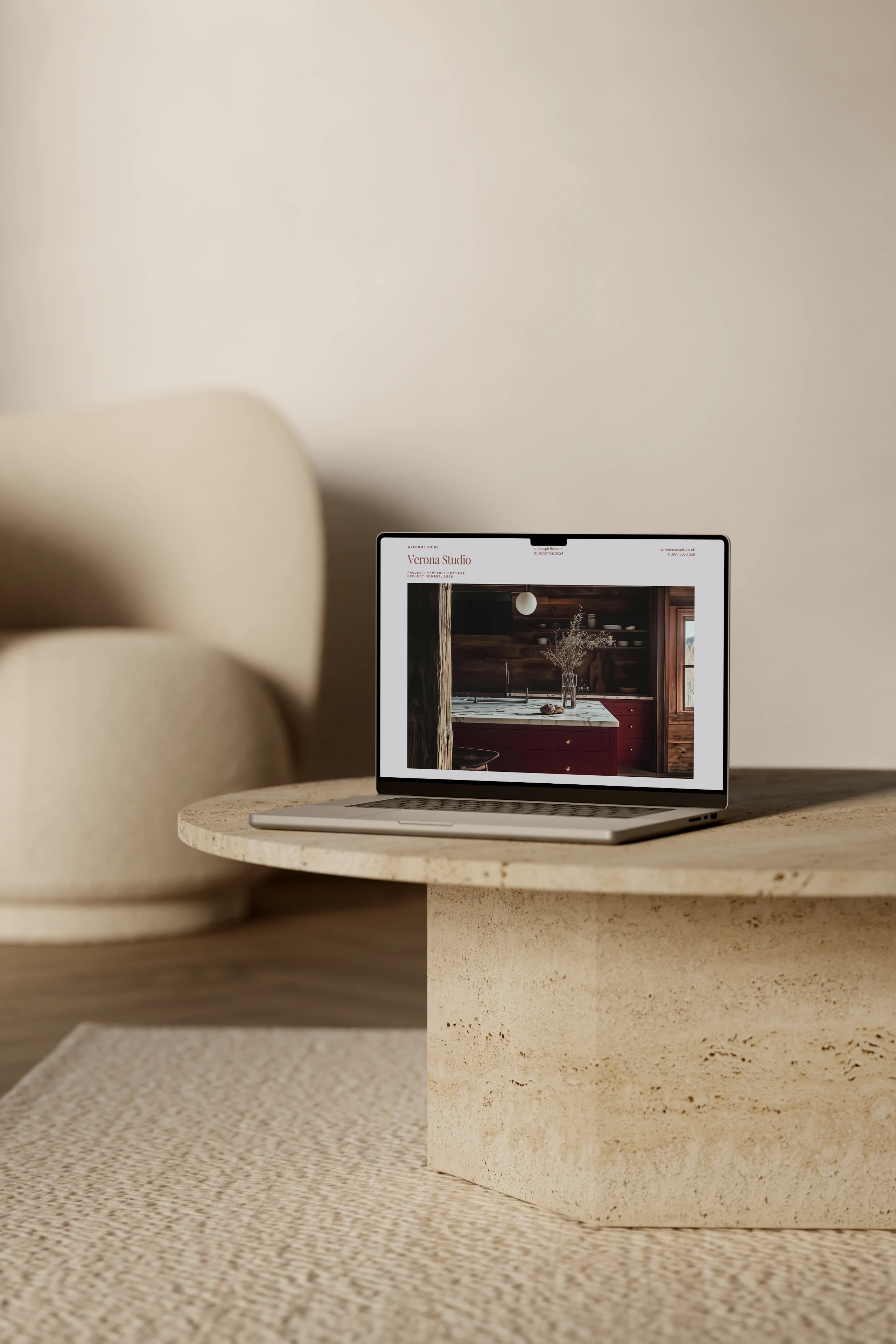
Managing finances effectively is essential for running a smooth interior design business. From tracking expenses to ensuring cash flow, the right tools can make all the difference. Here’s what we use in our practice and some other options that might work for you.
QuickBooks
A robust, widely-used tool for invoicing, tracking expenses, and generating financial reports. It's best for designers needing an all-in-one accounting solution with scalability as their business grows.Xero
Part of a comprehensive suite of accounting tools, Xero is a cloud-based platform designed to streamline financial management for small to medium-sized businesses. It integrates seamlessly with a variety of banking systems (like Monzo) and other software, making it highly versatile. Xero provides features like automated invoice creation, real-time reconciliation, and detailed financial reporting.
It's best for designers seeking a scalable, professional-grade accounting solution with powerful integrations for tracking cash flow, managing VAT, and generating detailed financial insights.Zoho Books
Part of the Zoho suite, it’s affordable and integrates well with other Zoho products, offering detailed project accounting and budget tracking. It's best for cost-conscious designers looking for a powerful yet affordable tool.
What I Use:
Monzo is our go-to for business banking because it syncs seamlessly with Xero, our accounting software. This combination allows us to:
Instantly access profit and loss (P&L) statements on demand.
Track tax obligations like VAT in real-time.
See exactly where our money is going each month, making informed decisions on spending and director drawdowns much easier.
The ability to plan ahead and avoid cash flow surprises has been a game-changer for us, ensuring we can focus on the creative aspects of our work without unnecessary stress.
Conclusion
The tools you use as an interior designer can shape how efficiently you spend your time, ultimately effecting your profit margin, and how competitive you can be. From concept visualisation with Canva and MidJourney to precise drafting in AutoCAD or ArchiCAD, the right tools will help you deliver stunning results while streamlining your workflow. If you’re ready to transform your practice, start experimenting with these tools today. Don’t hesitate to explore my 40-page client guide for more insights into building a sustainable, client-focused business.
Written by Tim, Architecture Templates
____
Frequently Asked Questions
What are the best tools for interior designers in 2025?
Can I use free tools as an interior designer?
Which rendering software is best for beginners?
How does ArchiCAD compare to AutoCAD?
What’s the difference between Morpholio Trace and Procreate?
How can project management tools help interior designers?
Can AI tools like MidJourney be used for professional design work?
What are the must-have tools for interior designers working on a budget?

The Author
Tim Willment is a UK-based RIBA and ARB-registered architect, and founder of a boutique architecture and interior design studio he runs with his wife. With over a decade of experience, he helps designers build efficient workflows that maximise profit, attract better clients, and create a more balanced work-life.
His goal is simple: to create a better experience for both designer and client - building win-win businesses that are unforgettable.
Rather than offering mentorship or coaching, Tim shares proven templates and systems - the same ones he uses in his own practice - to help other small studios streamline their processes and focus on high-value design work.
Any questions, email him direct at tim@architecturetemplates.co.uk